
In October we wrote about Vercel building the human approval step into its CLI, so an agent hands the purchase decision back to a person instead of making it. A hard stop like that has a consequence: once a person has to approve the next step, the agent can only move as fast as that person can be reached.
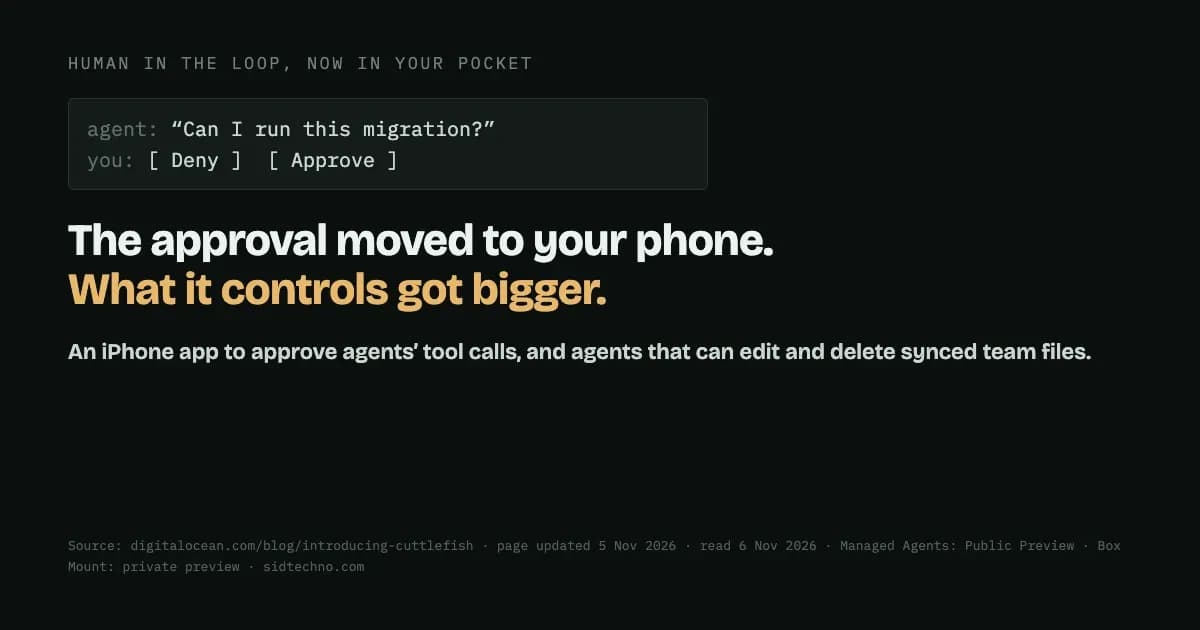
DigitalOcean's answer is to put the approval on your phone. Its blog post introducing Cuttlefish, which carries an update date of 5 November 2026, opens with exactly that problem: "Your agent has been refactoring for two hours. It's deep in the codebase, making real progress, and then it stops: 'Can I run this migration?' Nothing happens until you answer. And you're not at your desk."
What Cuttlefish does
Cuttlefish is, in DigitalOcean's words, "a native iPhone app for Managed Agents", its service for running AI agents in the cloud. Managed Agents is itself in Public Preview. From the app you can:
- Approve or deny tool calls. DigitalOcean says you "See the full command, file path, or diff, rather than a summary", and that "Requests classified as high risk require Face ID or your passcode."
- Follow live sessions, with notifications when a run needs approval, finishes or fails.
- Steer mid-run: send a correction, pause, resume or stop a session. Messages sent while the agent works are queued.
It isn't tied to one agent. Managed Agents runs "the harness your team already uses, from Claude Code and Codex CLI to OpenCode, OpenHands, Hermes, LangGraph, and CrewAI", and "Cuttlefish supervises all of them." Sessions run in "DigitalOcean-hosted microVMs that persist independently of anyone's device", so the work doesn't stop when your laptop does.
Two parts of the design deserve credit. Showing the full command or diff, not a summary, means you approve what will actually run, not someone's description of it. And requiring Face ID or a passcode for requests classified as high risk means an unlocked phone on its own isn't enough to approve them.
The other end: an agent with delete rights on your files
The same release brings files into it. Box is launching Box Mount, "now in private preview", which syncs a Box folder into the agent's environment "so agents work on the same files your team already uses, under Box's permissions, version history, and audit trail."
DigitalOcean is direct about what that allows: "Each person syncs with their own Box account. The agent can edit and delete files in the synced folder, and deletions sync back to Box."
Put the two halves together and you have the real story. The control surface got smaller and more convenient, a notification on a phone, at the same time as what's being controlled got bigger: an agent that can change or delete the files your team works from. That isn't a reason to avoid it. It's a reason to think about what an approval means in that setting.
The questions it raises
- Who decides what's high risk? Only requests "classified as high risk" need Face ID or a passcode. DigitalOcean's post doesn't say how that classification is made, so it's worth finding out before you rely on it.
- Can you review it on that screen? A full diff is better than a summary, but a long diff on a phone, in a queue, is hard to read properly. If you wouldn't approve it from a summary, think about whether you'd approve it from a phone.
- What does a quick tap mean? An approval system is only as good as the attention behind it. The easier approving gets, the easier it is to approve without reading.
What to do if you use agents this way
- Use the rules, not just the button. DigitalOcean says "You decide which actions an agent can take on its own, and which are off limits." Set those first, so fewer decisions reach your phone at all.
- Keep destructive actions for the desk. Deletions, migrations and anything touching shared files are the requests worth a full screen and a few minutes.
- Know your undo. If an agent can delete synced files, check how you'd restore them, for example from version history, before you need to.
- Start narrow. Give an agent a single folder, not a whole drive, until you've seen how it behaves.
- Remember the status. Managed Agents is in Public Preview and Box Mount is in private preview. Treat both accordingly for anything that matters.
Source: DigitalOcean, "Introducing DigitalOcean Cuttlefish: Get more done with agents on the go" (page updated 5 November 2026; read 6 November 2026).