
In late June, the Five Eyes intelligence alliance — the US, UK, Canada, Australia and New Zealand — issued a rare joint warning: frontier AI models are expected to "fundamentally transform both offensive and defensive cyber capabilities," and the timeline is "months, not years." They urged businesses to act now.
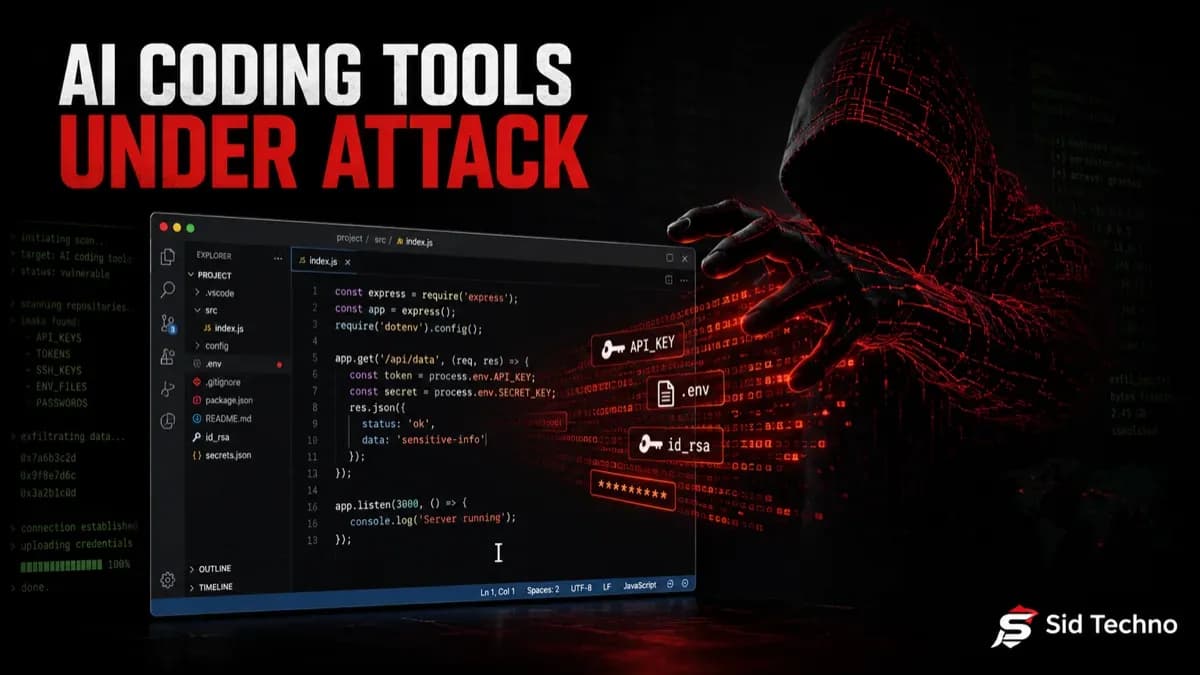
You don't have to look far for the warning to start landing. Over roughly two weeks this July, three separate security incidents hit the AI coding tools that millions of developers now trust with their code, credentials, and machines. Taken together, they're not a coincidence — they're a pattern. And that pattern has a simple, uncomfortable root cause.
Why AI coding assistants are a uniquely dangerous attack surface
Modern AI coding tools are useful precisely because they have deep access: they read and write your files, execute commands, hold API keys, and increasingly connect to external services through plugins and the Model Context Protocol (MCP). That access is the product. It's also exactly what an attacker wants — filesystem, credentials, and code execution, all in one place. When you hand a tool that much reach, a single compromise doesn't leak one secret; it can leak everything.
Here's what that looked like in practice.
1. The Cursor 0-day: opening a repo could run code on your machine
Cursor, the popular AI code editor used by millions of developers, was hit with a critical vulnerability that allowed arbitrary code execution — reportedly just by opening a malicious repository. The mechanism: AI editors can auto-run tasks and configuration when a project is opened, and a booby-trapped repo could abuse that to execute attacker code on the developer's system.
According to the disclosure, the flaw sat unpatched for roughly seven months before the researcher went to full public disclosure (around July 14) to force action. The lesson isn't "Cursor bad" — it's that "open this repo and let the AI help" is now a trust decision with the same weight as running an unknown script.
2. The jscrambler npm attack: a Rust infostealer built to hunt AI-tool secrets
On July 11, a malicious version of the widely used jscrambler npm package was published using a compromised publishing credential, according to reporting from The Hacker News and the researchers at Socket who caught it. A preinstall hook dropped and ran a native Rust infostealer — with builds for Windows, macOS and Linux.
What makes this one notable for AI users: the malware specifically went after the config files of AI coding tools — Claude Desktop, Cursor, Windsurf, VS Code and Zed — precisely where API keys and MCP server credentials live. It also swept for cloud credentials (AWS, Azure, GCP), crypto wallet seed phrases, password-manager vaults, and browser sessions. In later malicious versions, the dropper was moved into the package's main code, so even npm install --ignore-scripts wouldn't stop it. Socket flagged the release about six minutes after it went live; a clean version was later published.
The takeaway: attackers now treat your AI tools' credential stores as a first-class target.
3. Grok Build: an AI CLI that reportedly uploaded users' entire home directories
The third incident came from xAI's Grok Build CLI. As documented by Simon Willison and The Decoder, the tool was caught silently uploading users' local files to xAI's cloud. One developer reported watching it send their SSH keys, password-manager database, documents and photos straight to the vendor's servers — a wire-level analysis found it shipping full repository bundles to a storage bucket.
xAI's response was damage control: it disabled the upload, and (around July 15) open-sourced the tool as a trust gesture, while Elon Musk promised the collected data would be deleted. But the incident is the point — an everyday convenience feature quietly exfiltrating a developer's most sensitive files.
The pattern: three different failure modes, one root cause
These aren't the same bug. One is a code-execution vulnerability, one is a supply-chain attack, one is reckless-by-design telemetry. But they rhyme, because they all exploit the same thing: AI coding tools have broad, standing access to your machine and secrets. Three independent incidents in two weeks is what a rising attack surface looks like — and it lines up uncomfortably well with the Five Eyes warning that the window between a vulnerability appearing and being exploited is shrinking fast.
What to do about it
You don't need to abandon AI tools — you need to treat them like the privileged software they are.
- Audit what your AI tools can access. Know which directories, credentials, and services each tool and MCP/plugin can reach. Remove access it doesn't need.
- Don't run AI CLIs in sensitive directories. Never point an AI CLI at your home folder or a directory holding SSH keys,
.envfiles, or password vaults. - Sandbox and isolate. Run AI coding tools in containers or dedicated VMs/dev environments, not on the machine that holds your production credentials.
- Review plugin and MCP permissions the way you'd review OAuth scopes — grant the minimum, and re-check them.
- Treat "open this repo" as a trust decision. Be cautious with untrusted repositories in AI editors that auto-run tasks; disable auto-execution where you can.
- Patch fast and rotate exposed secrets. Keep tools updated, and if a compromise is even possible, rotate the affected API keys, tokens, and cloud credentials immediately.
The Five Eyes advice for the wider AI-cyber era was blunt: reduce your attack surface, patch faster, isolate legacy and vulnerable systems, tighten identity management, and rehearse your incident response. Your AI coding tools belong squarely inside that same discipline.
At Sid Techno, this is the kind of shift we help teams stay ahead of — keeping developer environments, credentials, and infrastructure hardened as the tooling (and the threats) evolve. The AI in your editor is a powerful teammate. Just make sure it's not also an open door.
Sources: The Hacker News (jscrambler), Simon Willison and The Decoder (Grok Build), and reporting from CyberScoop and CISA on the Five Eyes statement. This article is for general security awareness; always follow official advisories for specifics.