
On 28 November 2026, Simon Willison argued that for a lot of everyday image work, the more useful thing to ask an AI model for is not a picture but the code that draws one. The headline of the post: “Code-driven AI illustrations are more useful than images from dedicated image models”. The reason given is practical:
“Most importantly, because these images are defined using code you (or the model) can make further edits to them without any of the weirdness that comes from iterating with a text-input, image-output model.”
That matters to anyone who commissions diagrams, slides, report figures, pricing graphics or interface mockups, because those are the images that get changed later.
Two ways to get an image from AI
An image model draws pixels directly. Willison is clear that these models have improved: “These have become competent at editing existing images and preserving details, which means you can iterate on a design over multiple conversation turns without it devolving into a mess.”
The other way is to have a text model write a file that a computer then renders: an SVG, a web page, a chart script. Willison lists some of the forms that can take, “generated image files, HTML and CSS, 2D HTML Canvas elements, Blender scripts, WebGPU shaders, PDF”, and sums it up: “any image mechanism that can be represented by a file on disk or the output of a script can be targeted by a model with a coding agent.”
Where the difference shows: text
The sharpest point in the post is about words inside images:
“They still have their limitations. They can produce weird glitches which become apparent when you zoom in on the details. They output text shapes directly from the model, which means you don’t get the same guaranteed consistency that you would have with a real font-based typography system.”
Read that carefully. It doesn’t say image models can’t produce text. It says the letters are drawn by the model rather than set in a font, so you don’t get the guaranteed consistency of real typography. In a file written as code, the words are real text. Changing a price, fixing a typo or translating a label means editing that text, and the font renders it the same way every time.
The second limitation is structure:
“They are also inherently flat. You can describe changes you want in text, or draw annotations on an image to describe what you want, but you can’t take control of an individual element or layer and directly manipulate it to get exactly what you want.”
Willison added an update to the post on that point: “There has been innovation here that I was unaware of when I wrote this article. Ideogram 4.0 for example claims “bounding-box layout control” through structured JSON prompting.” That is Ideogram’s claim, as reported there; we haven’t tested it. It is a reminder that this area is moving.
Code isn’t one-shot either
Willison’s own example was a poster: “Gemini 4 Neon is getting some buzz for its 2D design skills, so I decided to try it out in AI Studio”. It didn’t come out right first time. “It took some iteration, partly because AI Studio doesn’t render SVGs, so the models there can’t spot visual mistakes without assistance.” One of the follow-up prompts in the post reads, in full: “The text here doesn't fit the pill, fix it”.
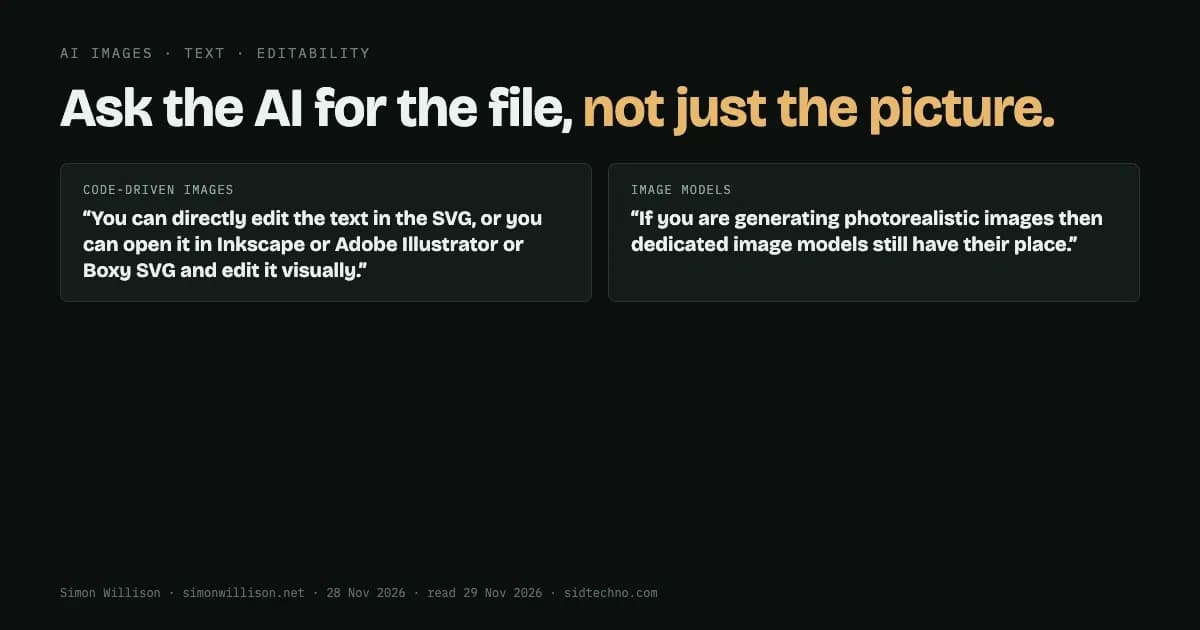
So the honest difference isn’t that code gets it right first time. It’s where the fixing happens. The result is a file, and Willison spells out what that means: “Whether or not you like the poster, the key thing about it is that everything is editable. You can directly edit the text in the SVG, or you can open it in Inkscape or Adobe Illustrator or Boxy SVG and edit it visually.” If the model can’t fix something, a person can.
Where image models still fit
The post doesn’t argue that image models are finished:
“If you are generating photorealistic images then dedicated image models still have their place. For most of what I care about—explanatory diagrams, editable poster designs, UI components, visualizations, assets for games—code-driven images feel to me like a better bet.”
For photorealistic images, then, an image model still has its place in Willison’s view. The case for code is about the rest: the diagrams, designs and visuals that carry information.
Questions to ask before you commission an image
- Does it have words in it? Labels, prices, headings, legal lines. If so, you want those words as real text, not as shapes in a picture.
- Will anyone need to change it? Next quarter’s figures, a new product name, a second language. If yes, ask for something you can edit, such as an SVG, an HTML page or a chart script.
- Does it need to match your brand? In a file written as code, fonts and exact colours are values you set. In a generated bitmap, you’re relying on the model to reproduce them.
- Who will own the source? Ask for the file, not only the exported image, so your own designer or developer can change it without going back to the model.
- Is it meant to look like a photograph? Then an image model is likely the right tool, and the questions above matter less.
Whichever you choose, check the result at full size before it ships. Both approaches can get details wrong. The difference is how easily you can put them right.
Source: Simon Willison, “Code-driven AI illustrations are more useful than images from dedicated image models” (posted 28 November 2026, read 29 November 2026). Model names and capability descriptions are Willison’s; we have not tested them.