
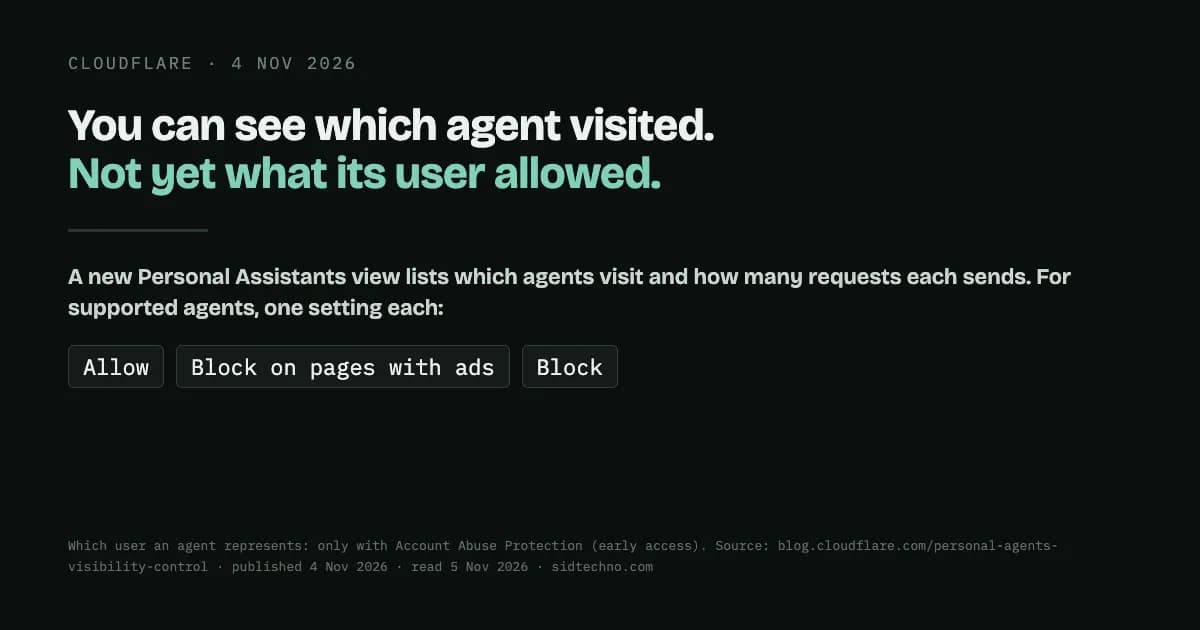
On 4 November 2026 Cloudflare added a new kind of visitor to its bot dashboards: personal agents, the AI assistants that, in Cloudflare's words, access sites "on behalf of humans". Last week we wrote about treating AI crawlers and AI assistants as separate decisions. That was about what kind of bot is visiting. This change is about which one, and, in some cases, whose.
What you can now see
Two new views, in Cloudflare's words:
- "In Security Analytics, the Bot Analysis chart now shows Personal Assistants as a new category, next to Verified Bot, Likely Human, Likely Automated, and Automated."
- "In Top statistics, a new Personal Assistants widget lists which agents are visiting your site and how many requests each one sends."
That gives this traffic names and request counts, and Cloudflare says you can see what each agent is doing: "whether an agent is logging in, reading your product pages, reaching your checkout, or hitting errors on pages it cannot use."
Cloudflare's post doesn't say which plans include these views, so check what your own dashboard shows rather than assuming.
What you can now decide
For what Cloudflare calls "supported personal agents", there are three settings per agent: "Allow (do not block), Block on pages with ads, or Block". The post doesn't list which agents are supported.
The middle option is the interesting one. It ties an agent's access to how a page makes money, not to what kind of bot it is. Cloudflare's example: one publisher "may allow a supported personal agent throughout its site so readers can find its articles, while another may block that same agent on pages where ads support the content. Both publishers are choosing the access control that works for their business." To make that easier, "During onboarding, we ask whether you monetize pages with ads and then tailor the recommended policies to your answer."
The setting has also been renamed. In Cloudflare's words, "we're renaming the setting AI Crawler and Agent access policies." If you set crawler policies before, "Your existing Search and Training policies stay as they are."
Cloudflare is clear that blocking everything isn't automatically the safe choice: "Blocking agents altogether can feel like the safest choice, but it can mean losing customers." An agent reaching your checkout may be a customer trying to buy something.
Whose agent it is: only with an early-access product
The sharpest part of the post comes with a condition attached. "For sites that protect user accounts with Account Abuse Protection (currently in early access), site owners and fraud teams are able to see which user each agent represents." So the per-user view isn't something every site gets. It needs a separate product that is itself in early access.
Where it is available, Cloudflare describes a useful case. A fraud analyst looking at an unusual login can tell whether it came from an agent the customer has used for weeks or one that appeared for the first time today. If an attacker seems to be using an agent on an account, the analyst can act on that one account with a WAF rule on its Hashed User ID, without blocking the agent for everyone else who relies on it.
What isn't solved yet, by Cloudflare's own account
This is a dashboard and settings change. It doesn't change what a site can learn about the person who sent an agent, and Cloudflare is open about that gap. In its own words, and this is the most useful sentence in the post: "A site may recognize the agent making a request but lack information it would otherwise have about the user: whether they are an existing customer, what they authorized the agent to do, whether they have a subscription, or which protections should apply."
Knowing which agent is visiting is not the same as knowing what its user is allowed to do. Any policy you set today is a decision about the agent, not about the person behind it.
What to do this week
- Look before you set anything. If your dashboard shows the Personal Assistants widget, read it first: which agents, how many requests, and which pages they reach. Decisions made from real traffic beat decisions made from headlines.
- Check where agents fail. Errors on pages an agent can't use may be customers you're losing without knowing it.
- Decide per agent, and per page type. If ads pay for some pages and not others, "Block on pages with ads" may fit better than an all-or-nothing rule.
- Write the decision down. Note which agents you allowed or blocked, on which pages, and why. You'll want that record when the list of agents changes.
- Don't treat agent identity as user identity. Until a site can tell what a user authorised their agent to do, keep your normal account protections in place for logins and checkout.
Source: Cloudflare, "See the agents, set the terms: new visibility and control for personal agents" (published 4 November 2026; read 5 November 2026).