
On 16 October 2026 a Home Assistant user opened a GitHub issue titled "i never authorized an integration that scans my secrets". Within a few hours, a maintainer had apologised for the first replies, published the command to switch the feature off, and promised the documentation would be fixed. A change to the documentation was merged the same day.
Nothing leaked. The feature was well designed, and its design had been written down for years. What hadn't been written down was the part people needed first.
What the feature does
Home Assistant's Supervisor includes a breached-password check. In the maintainer's words, "It checks app options that are marked as passwords" and warns you if any of them appear in known public breaches.
It does this without sending the password anywhere. Home Assistant uses Have I Been Pwned and a technique called k-anonymity: "The Supervisor hashes them locally and sends only the first 5 characters of the SHA-1 hash to Have I Been Pwned. HIBP returns every hash starting with that prefix, and the matching happens on your own instance." The maintainer pointed out that other apps do the same, naming the 1Password password manager.
The check wasn't new either. The maintainer wrote that "this check isn't new, it has been part of the Supervisor for years"; a recent release fixed the warning that surfaces it, which is why people started seeing it.
What was documented, and what wasn't
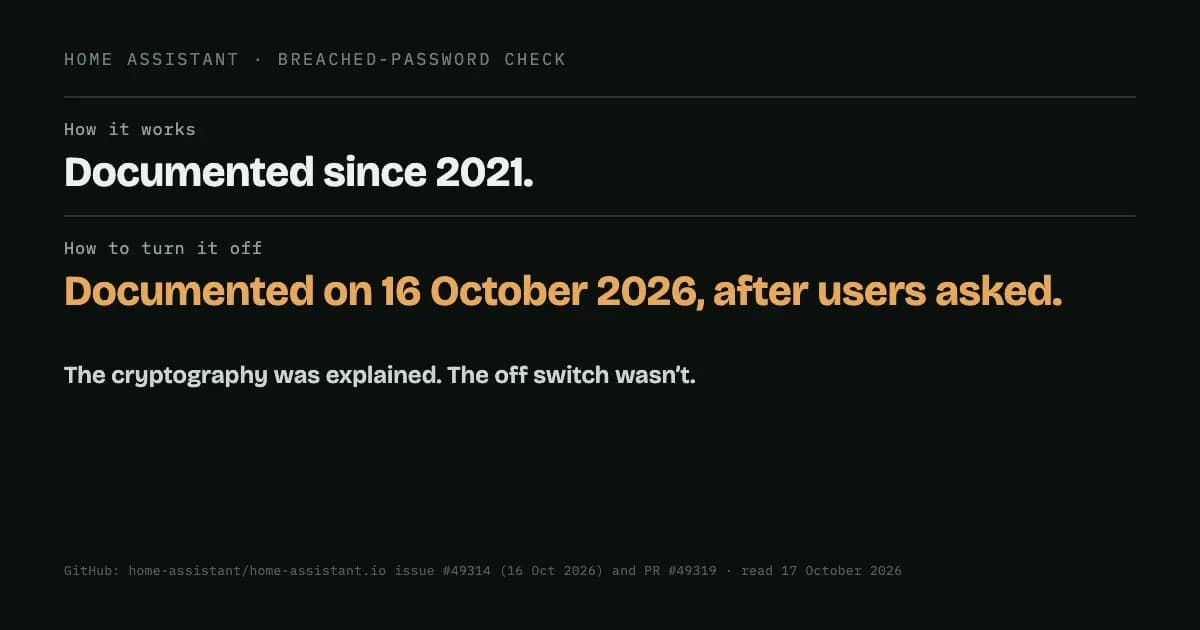
Home Assistant's documentation page for the check dates from February 2021, and it already explained the mechanism: the hashing, the five-character prefix, and the local matching.
What it didn't say was that the check is on by default, or how to turn it off. The reporter, who describes a long background in security work, wanted exactly that: "how do i turn this thing off?", and for it to be opt-in rather than something users weren't aware of. The first replies defended the design and closed the issue. Then the maintainer came back:
"As it turns out, this check can already be turned off after all"
followed by the command, ha security options --pwned=false, and an acknowledgement: "You are right that our documentation should have explained this, including how to turn it off." A documentation change adding an "on by default" note and the off switch was merged on 16 October 2026. When we checked the live page on 17 October, it did not yet show the change.
This was a GitHub issue thread on the documentation repository, not a security advisory or a vulnerability report. One user raised a concern, and the maintainers answered it in public.
The lesson for anyone shipping software
Home Assistant explained how its feature protects you. It hadn't explained the things a person checks first when they find something running on their system that they didn't switch on:
- What does it touch? Here, app options marked as passwords.
- Is it on by default? Here, yes, which is fine, as long as it's said plainly.
- How do I turn it off? Here, one command, which existed before anyone asked.
When the maintainer has to discover mid-thread that an off switch exists ("as it turns out"), users were never going to find it. Good cryptography answers "is this safe?". It doesn't answer "did I agree to this?", and that is usually the first question.
If your software checks, scans or reports anything on its own, the documentation worth writing is short: what it looks at, that it's on, and the exact way to switch it off. Write that page before the feature ships.
Sources: home-assistant/home-assistant.io issue #49314 (opened 16 October 2026), the "Pwned passwords and secrets" documentation page and its change of 16 October 2026; all read 17 October 2026.