
On 21 October 2026, LiteLLM, an open-source proxy that sits between applications and AI model providers, published a security advisory. Its release pipeline had been compromised, and a poisoned version, 1.107.0, went out to PyPI and to its Docker images. In LiteLLM's words, that version "contained compiled malware which steals credentials and loads remote-code execution tools."
Two details in the advisory are worth more than the headline. Both apply to any team that ships software, whether or not it has ever used LiteLLM.
You didn't have to choose the bad version
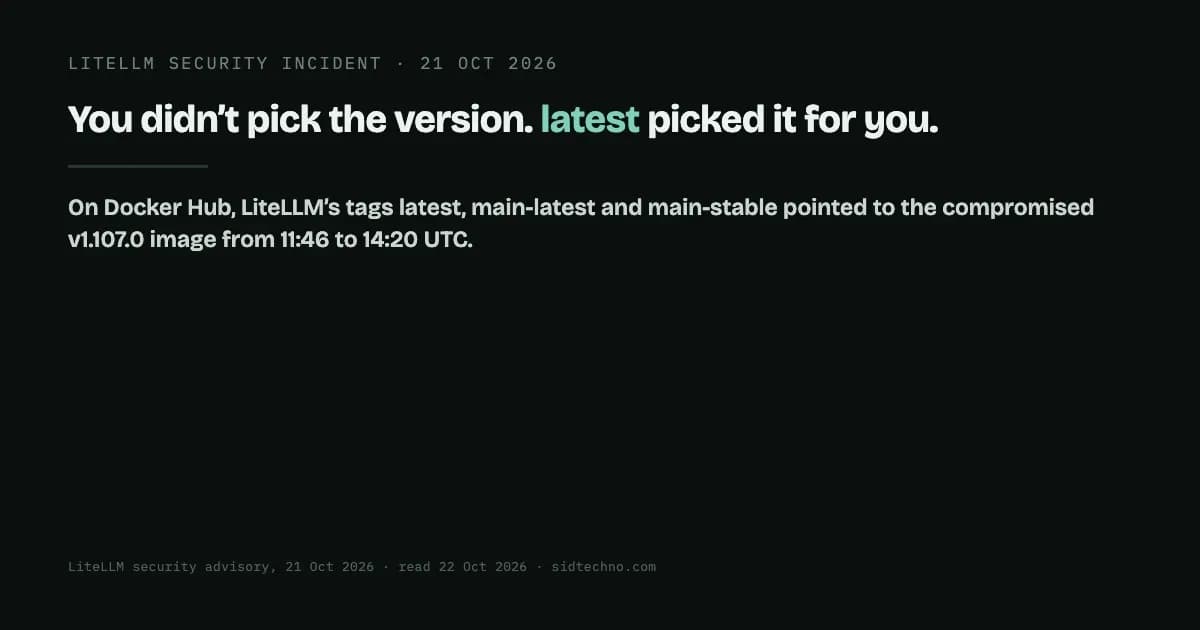
The advisory lists exactly what was affected. On PyPI: "litellm==1.107.0: all seven wheels, live from 11:39:51 to 13:23 UTC". On Docker Hub, the tags v1.107.0, latest, main-latest and main-stable pointed to the compromised image from 11:46:56 to 14:20 UTC. The same tags on GitHub's container registry pointed to it until 13:51.
Look at who LiteLLM says is affected: anyone who "used an unpinned version of LiteLLM between 11:39 and 13:23 UTC via pip", or who used one of those four Docker tags in the image window. Nobody had to type "1.107.0". A build that said pip install litellm, or a deployment that pulled litellm:latest, got it automatically.
That is what a moving tag means. latest is not a version, it's a pointer, and whoever controls the release process decides where it points. Pulling it is a decision to trust whatever was published most recently, every time the build runs. Usually that's fine. For about two and a half hours on 21 October, it wasn't.
It runs even if your code never imports it
The second detail is in LiteLLM's clean-up instructions. The first step is "Don't start with pip install." The reason given: "Any Python start in the affected environment runs cook.pth and sitecustomize.py again, and that includes running pip."
That works because of a long-standing Python feature. By default, every time the interpreter starts, it imports the site module. That module reads .pth files in site-packages, and the Python documentation says that, "For backward compatibility, lines starting with import (followed by space or tab) are executed with exec()". It then tries to import a module named sitecustomize, "which can perform arbitrary site-specific customizations."
So once files like these sit in an environment's site-packages, they run on every Python start in that environment. It doesn't matter whether any application imports the library: a test run, a migration script or the package manager itself is enough. The intuition "we only use it in one service, so only that service is exposed" doesn't hold. The exposure is every Python process in the environment where it was installed.
The advisory is also honest about the limits of checking. Finding litellm-1.107.0.dist-info, cook.pth or sitecustomize.py "confirms exposure, but not finding one does not prove the environment is clean."
What LiteLLM tells affected users to do
- Delete
cook.pth,cook.py,sitecustomize.pyand matching cached files from every affected site-packages, from the shell, before starting Python. - Kill the detached Python process left behind.
- Reinstall pinned to
litellm==1.106.2. LiteLLM adds that rebuilding images and virtual environments from scratch is better. - Rotate everything the host could reach, including "every provider key stored in the LiteLLM proxy DB", "the instance/task IAM role" and "any secret that was in the environment of any process on the host".
LiteLLM also states that "Customers running the private enterprise release of LiteLLM were not impacted." The full advisory, including how the attacker got into the release pipeline, is linked below. LiteLLM says the investigation is still in progress.
Questions to ask about your own builds
- Which of your builds pull
latest, or install a package with no version? Each one is trusting the most recent publish, every time it runs. - Are your pins exact? A pinned version such as
==1.106.2doesn't move when someone publishes a new one. A Docker image referenced by its digest (image@sha256:…) is fixed to that exact content. A tag name can be pointed somewhere else. - When a dependency is compromised, what's the blast radius? Think in environments, not imports. Everything that starts Python in that environment counts, and so does every secret those processes could see.
- Could you tell, quickly, whether you were exposed? That means knowing what each build pulled and when, rather than what its config says it should have pulled.
None of this makes pinning free: pinned dependencies have to be updated on purpose, and that work has to be scheduled. But that update becomes a decision someone makes, at a time they choose, instead of one the latest publisher makes for every build at once.
Sources: LiteLLM, "Contained: Oct 21, 2026 LiteLLM release v1.107.0 Compromised" (published 21 October 2026, last updated 20:30 UTC that day; read 22 October 2026); Python documentation, site — Site-specific configuration hook (read 22 October 2026).