
AI Security Series · Part 10
Yesterday's post covered WP2Shell — the boring, pre-authentication RCE that ate WordPress core while the industry watched AI attack AI. The advice was simple: check your version and patch to 6.9.5 or 7.0.2.
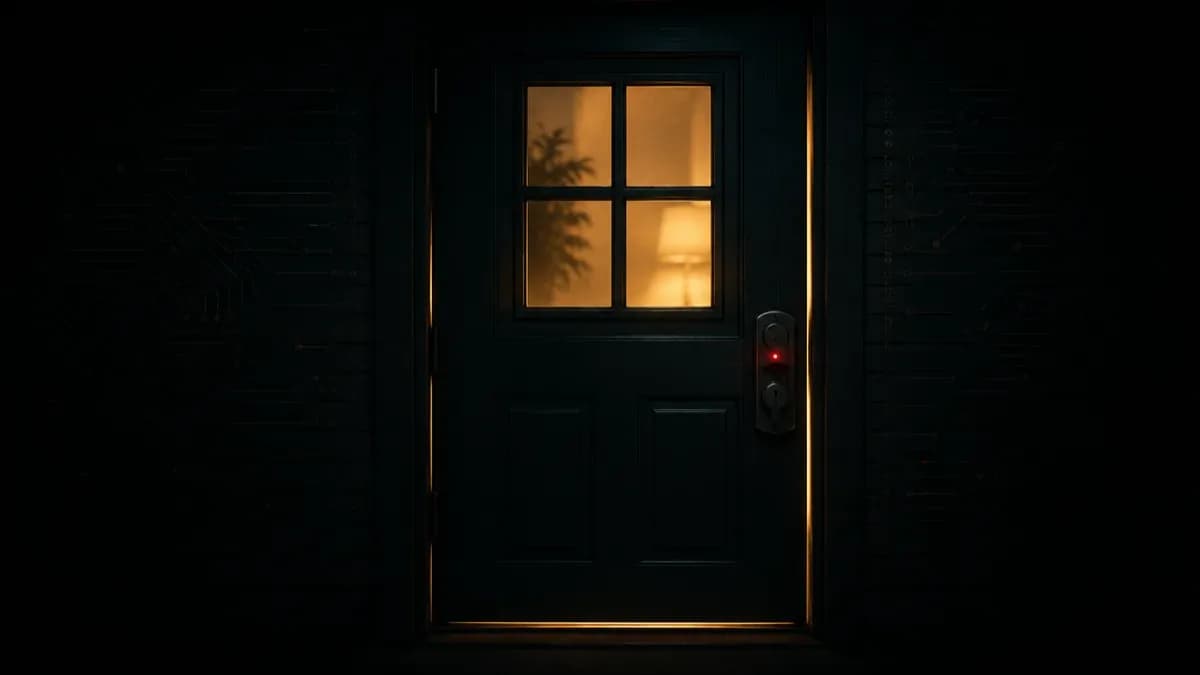
That advice was correct. It was also incomplete. Because there's a second act to this story, and most coverage skips it: patching closes the door WP2Shell walked in through — it does not remove whoever already walked in.
The forced update stops new attacks, not existing ones
WordPress.org enabled forced auto-updates for a reason: WP2Shell is an unauthenticated remote code execution chain that works on a default install with zero plugins. Getting every exposed site onto the patched release was the right emergency move.
But an auto-update patches the vulnerability. It doesn't audit your site for what happened before the patch landed. And there was a window — between exploitation going live in the wild and the update reaching your server — where a lot of sites were hit. If yours was one of them, the update just locked a door with the attacker already inside.
What "inside" actually looks like
This isn't hypothetical. Multiple vendors have independently confirmed the post-exploitation activity, and it is squarely focused on persistence:
- VulnCheck verified more than two dozen unique public PoCs targeting WP2Shell as of July 19 — this is commodity, widely-available attack tooling, not a boutique exploit.
- Attackers are installing persistent PHP webshells, ranging from one-line backdoors to feature-rich, obfuscated shells disguised as plugins.
- Reported behavior includes creating rogue admin accounts, installing malicious plugins, and stealing database credentials and secrets.
- Some payloads deliberately drop webshells outside the plugin directory (for example under
wp-content/cache/) and rename or rewrite themselves to dodge cleanup.
The uncomfortable takeaway: if your site ran a vulnerable version (6.9.0–6.9.4 or 7.0.0–7.0.1) during the exposure window, "I patched" does not mean "I'm clean." Those are two different questions.
The post-compromise checklist
Concrete beats scary. If your site was exposed, walk this list — even if the auto-update already applied:
- Audit administrator accounts. Look for any admin user you didn't create, especially ones added during or after your exposure window. Delete them and rotate the passwords of the ones you keep.
- Review recently modified PHP files. Sort your webroot by modification time. Anything under
wp-content/that changed around the attack window and that you can't explain is a prime suspect. - Hunt for files where code shouldn't be. Check
wp-content/uploads/andwp-content/cache/for.phpfiles — these directories should almost never contain executable PHP. That's a classic webshell hiding spot. - Audit your plugin list. Any plugin you didn't install, or a familiar-looking name that's slightly "off," should be treated as hostile until proven otherwise.
- Check scheduled tasks and cron. Review WP-Cron entries and system crontab for jobs that re-establish access or phone home.
- Rotate every secret. Database credentials,
wp-config.phpsalts/keys, API tokens, and any credential the site could read. Assume they were exfiltrated. - Check your logs for POST requests to
/wp-json/batch/v1or?rest_route=/batch/v1during the window — that's the fingerprint of the exploit attempt.
If you find a live backdoor, the honest advice is that cleaning individual files is risky — attackers plant redundant persistence on purpose. For a confirmed compromise, restoring from a known-good pre-incident backup (then patching before you go live again) is the safer path.
Why this keeps happening
This is the tenth entry in our AI security series, and it's a deliberate bookend. Parts 7 and 8 were about the frontier — AI as attack surface, AI as attacker. Parts 9 and 10 are the reality check: the vulnerabilities that own sites at scale are still unglamorous, and the failure mode is almost always the same — treating the patch as the finish line. Patching is where incident response starts for anyone who was exposed, not where it ends.
Watch the AI horizon. But check who's already in the house first.
Sources: VulnCheck, BleepingComputer, Wiz, Rapid7, and SecurityWeek.
Not sure whether your WordPress site was touched before the patch landed? Talk to Sid Techno — we'll run a compromise audit and help you get to a genuinely clean state.