Packaged desktop app and CLI for individually addressed mail over M365 SMTP
1 / 2 · Open full size
A packaged Windows app and CLI sending individually addressed email from the user's own Microsoft 365 mailbox, filing copies to Sent and reading bounces back for a summary.
The client had a spreadsheet of contacts and needed each of them to receive a personal email from their own business mailbox — not a marketing blast from a third-party platform with someone else's sending domain on it. One recipient in To, nobody in CC or BCC, a copy in Sent Items, exactly as if it had been typed by hand.
A Windows desktop application with a CLI sharing the same engine, so both behave identically. It sends through the user's own Microsoft 365 mailbox over SMTP, files each copy to Sent via IMAP, and later re-reads that same mailbox to pull bounced addresses back out into a delivery summary.
{first_name} placeholder, an attachment, and an embedded logo whose image travels inside the message rather than pointing at a file on the sender's own PC (the classic reason a logo pasted from Word arrives broken for everyone else).The greeting is derived from the email address itself, not from the name column, because in lists of this kind the contact name frequently sits beside an address belonging to somebody else. thomas.mugford@… becomes "Hi Thomas". Shared mailboxes like info@ or rental@ fall back to "Hi there". Ambiguous forms like jsmith@ also fall back, because an initial and a surname cannot be split reliably — and a missing name reads better than the wrong one. Single-word addresses are checked against a list of roughly 22,000 first names, which is how matthew@ is recognised while jsmith@ is not. Names found in the spreadsheet's own contact columns are trusted too, and the whole name list can be edited by the operator and re-loaded.
The documentation we shipped tells the user the uncomfortable truth rather than promising volume: Microsoft caps a normal mailbox at roughly ten thousand recipients a day, and a mailbox that usually sends a handful suddenly sending thousands is exactly what triggers throttling. The advice is to start at a few hundred a day, watch the bounce numbers, and raise the ceiling only if they stay low.
The project includes a fake SMTP server used to exercise the full send path without touching a real mailbox, and two review passes were run over the code specifically to close paths that could send a duplicate. It ships as a single PyInstaller executable, so there is no Python installation for the end user.
The application was built, packaged and reviewed. We hold no acceptance record for it, and the recipient data it was tested against is the client's — nothing from it appears here or in any screenshot.
Send individually addressed, personalised email to a spreadsheet of contacts from the client's own Microsoft 365 mailbox rather than a third-party platform — with correct greetings derived from unreliable list data, no duplicate sends, and delivery outcomes visible afterwards.
We built a Windows desktop app and matching CLI over one send engine: SMTP through the user's own M365 mailbox, IMAP filing to Sent and IMAP bounce read-back for a summary. Greetings are derived from the address itself with deliberate fallbacks, deduplication and a persistent send ledger prevent repeats, and preview, test-send, rate limiting and an immediate stop keep the operator in control. Shipped as a single PyInstaller executable with a fake SMTP server for testing.
A packaged Windows executable was produced and the send path was exercised against a local test SMTP server, with two review passes closing duplicate-send routes. The repository evidences a completed, packaged build; it does not evidence client acceptance, and we make no claim of one.
Category
Automation
Industry
Business Software
Year
2026
Components
1 repository

Automation
Python lead-discovery and AI outreach pipeline, handed over for the client to run himself

Automation
Invite counting and automatic role assignment for a Discord community
Automation
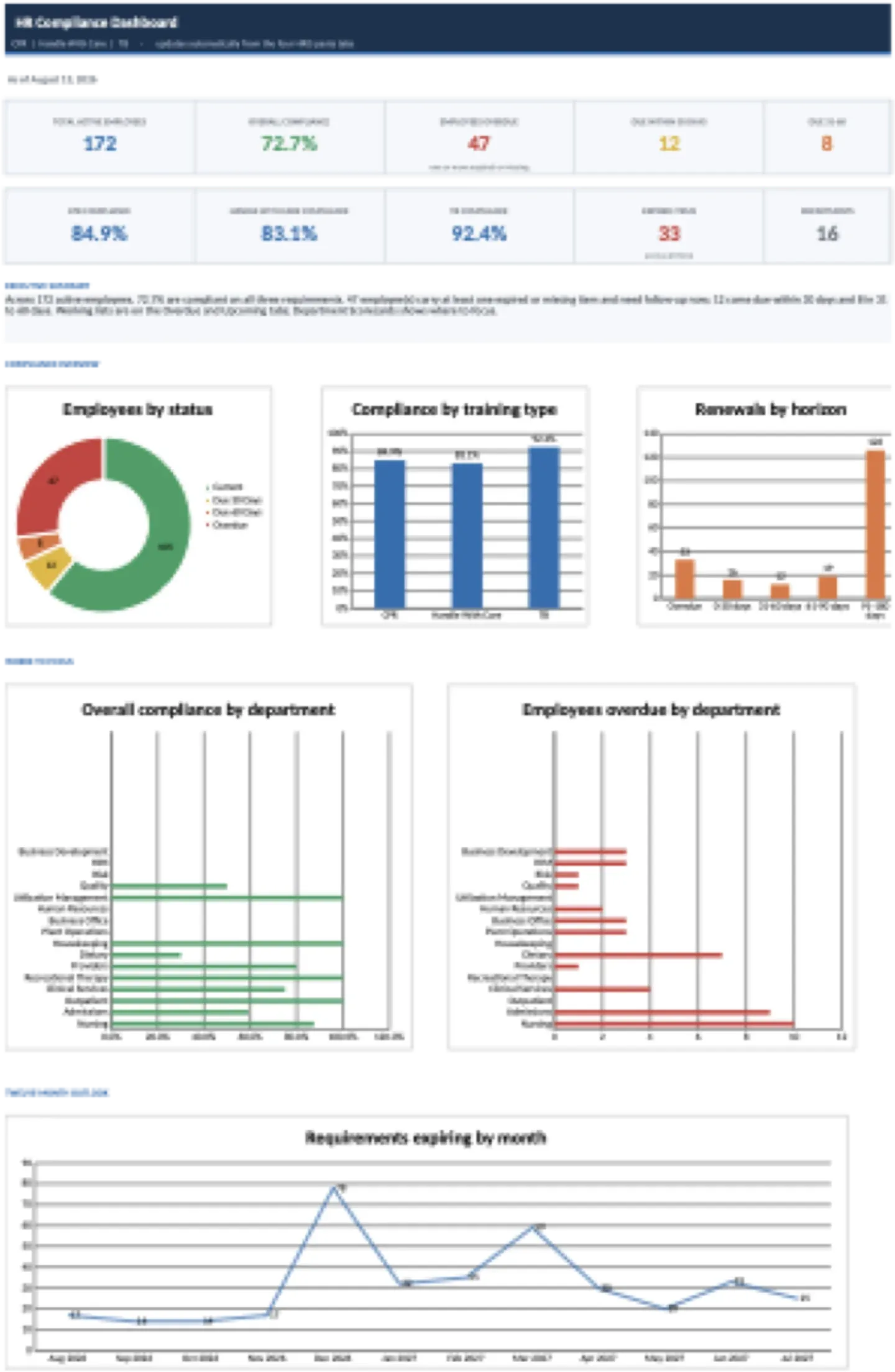
Macro-free compliance reporting workbook built to a 13-part specification