
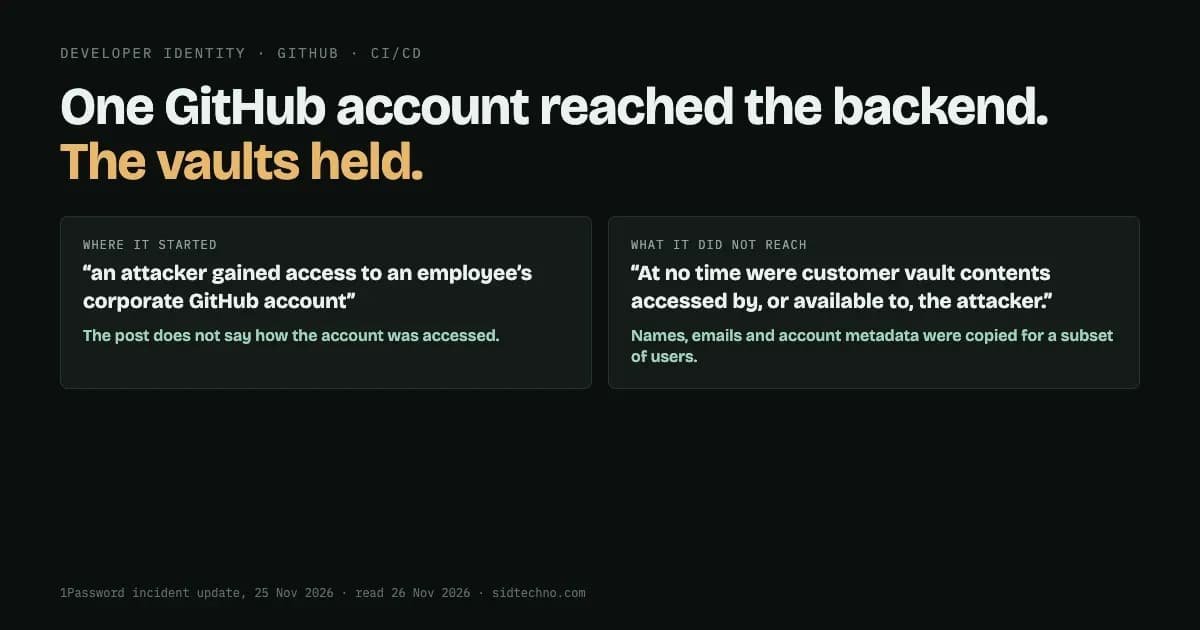
On 25 November 2026, 1Password’s incident update explained how an attacker got into some of its backend systems. It started with one employee’s GitHub account:
“On November 19, 2026, 1Password began investigating indications that an attacker gained access to an employee’s corporate GitHub account. The actor used the account to access source code and push malicious code to backend services, which downloaded administrative data pertaining to our customers.”
And further down:
“The attacker also copied source code from private repositories and gained access to our CI/CD system.”
In October we wrote about LiteLLM, where a poisoned release reached builds that installed whatever version was newest during a few hours. That was the receiving end of a supply-chain attack. This is the other end: the developer accounts and build systems that produce the software in the first place.
What was taken, and what wasn’t
Start with what the post rules out, because it matters most to 1Password’s users: “At no time were customer vault contents accessed by, or available to, the attacker.” Its list of what was not affected includes the vaults and the items in them, “The keys that protect your vaults”, and “Account recovery keys”. It also says it does not store users’ account passwords or Secret Keys.
What was copied is account information. “The attacker downloaded account records for a subset of our users.” Those records include “Names and email addresses”, account and user identifiers, sign-in times, public keys, Secure Remote Password protocol parameters, and “Tokens present in certain emailed links for invitations, provisioning and account recovery”. 1Password doesn’t publish how many users that covers, and we won’t guess.
On those emailed tokens, the post says “The token is not able to get access to the account by itself.” It also says it has “lengthened the codes used in invitation and recovery emails from six digits to ten characters as a precautionary measure.”
The design held
The attacker reached source code, backend services and the build system, yet the post says vault contents were never accessed by, or available to, the attacker. 1Password’s explanation:
“1Password is designed so that a breach of our systems can’t expose your vault contents. Your vault secrets are encrypted with keys that only you hold, so we can’t access them, and neither can an attacker who gets into our servers.”
That’s the lesson worth taking from this, whatever you build. 1Password designed for the case where its own systems are breached, so the most valuable data would stay out of reach of whoever got in. Not every system is built that way. If an attacker could push code to your backend, what could that code read?
What the post doesn’t say
The post doesn’t say how the employee’s GitHub account was accessed. Its containment steps include “Disabled the affected GitHub account, revoked the stolen token, and removed the access the attacker created.” It doesn’t say how that token was obtained. We won’t fill that gap with guesses about phishing or two-factor sign-in. What the post does establish is enough for the lesson: with one person’s account, the attacker pushed code to backend services, and the attacker also reached the CI/CD system.
On the build system, the post says: “CI/CD contains infrastructure related secrets in order for our product to work. We have triggered a rotation of all credentials which may have been exposed, and there is no impact to 1Password’s services, availability, or product security.” And among its fixes, it lists: “Tightened internal GitHub, CI/CD, and endpoint controls, and added new detections for this kind of attack.”
What to check in your own GitHub and CI/CD this week
None of this needs a security team. It needs someone with admin access and an hour.
- List who can push to the branches that deploy. Include contractors, former staff and agencies. If code merged to a branch goes live automatically, every account that can push there can reach production.
- Require review before code reaches a deploying branch. One account should not be enough, on its own, to put code in front of customers.
- Know which secrets your build system holds. Deploy keys, cloud credentials and API tokens in CI are what an attacker inside it can use. Keep each one scoped to what it needs, and know how to rotate them all quickly.
- Review personal access tokens and connected apps. Look at what has access to your organisation, remove what nobody uses, and prefer tokens that expire.
- Ask what a pushed change could read. If malicious code ran in your backend for a day, what customer data could it reach? The answer tells you where encryption or separation would help.
- Warn your users before an attacker does. After this incident, 1Password told its users: “Be cautious about phishing attempts in the form of unexpected emails, texts or calls that mention 1Password, invitations, or account recovery attempts.” If your customer list leaked, that advice would apply to your users too.
If an outside team works in your repositories, the same checks apply to its accounts. Ask what access it has, and remove what it no longer needs.
Source: 1Password, “Update on a security incident involving 1Password’s backend systems” (dated 25 November 2026, read 26 November 2026). Our earlier post: LiteLLM’s poisoned release (21 October 2026).